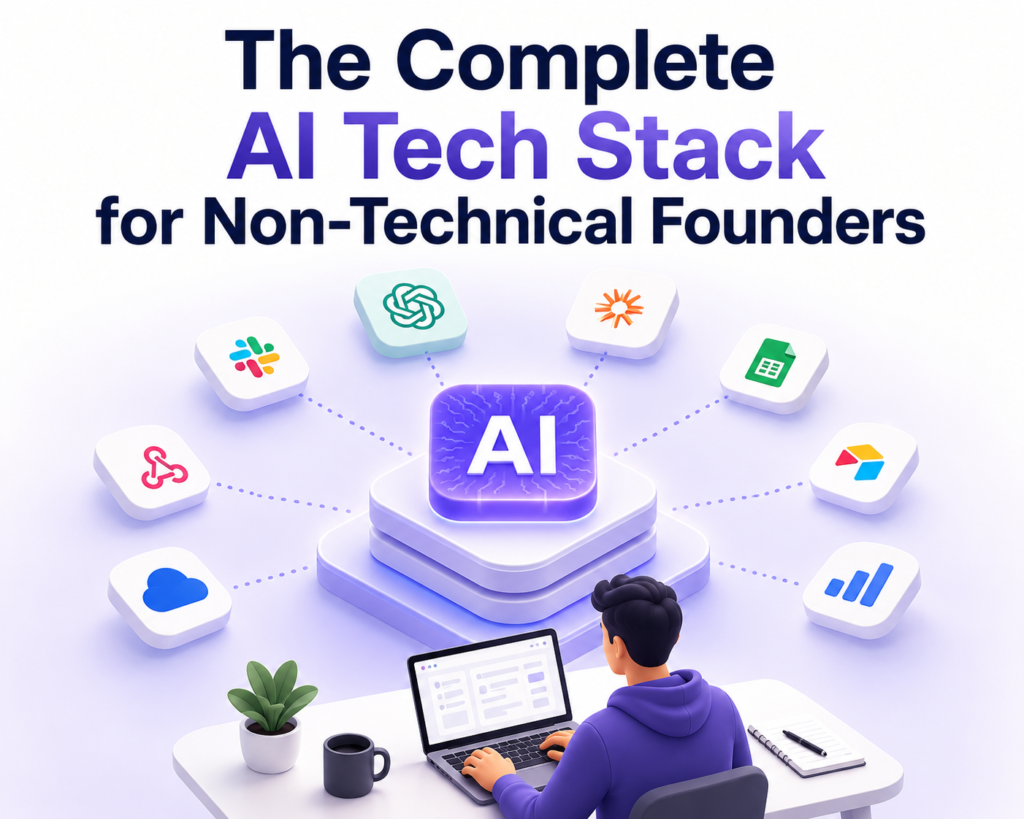

AI tools now let non-technical founders turn ideas into working prototypes over a weekend, simply by describing what they want in plain English.
And if you’re already running a business, AI can now help you automate almost every function you can think of — without you having to touch a single line of code.
But that convenience has created new questions: with so many AI tools available, how do you know which ones belong in your tech stack?
To answer this, we’ll break down the best AI tools for non-technical founders in 2026. More importantly, we’ll share the entire AI tech stack by business stage, so you know which tools fit and when to bring them in. 👇
Highlights
- You don’t need a complex tech stack on day one. Start with a few AI tools, then add and configure new ones only when the business needs them.
- AI can reduce the cost of building the MVP, but it can’t know exactly what real people want or validate whether customers will pay.
- The most useful tools change as your business moves from idea → validation → MVP → launch → operations → revenue → growth.
- Automation should follow a defined process, not come before it.
- Your judgment is still the most important part of the AI tech stack. Even the best AI tools can’t compensate for poor business decisions.
Why is now the best time for non-technical founders to ship their own products?
For years, non-technical founders had to wait. Wait for the right technical co-founder. Wait for a developer. Wait for funding before turning an idea into a product.
Lacking coding skills meant burning runway on developers or giving away equity just to build or scale a product. That trade-off no longer holds now that thousands of AI tools are available for non-technical founders.
In a March 2026 Goldman Sachs survey, 76% of small businesses said they currently use AI, while 48% cited difficulty choosing the right AI tools as a challenge.
This has lowered the barrier to building products. A founder with strong customer insight can now test and ship ideas without relying on great technical skills from day one.
The best AI tools for non-technical founders (mapped to startup functions)
According to McKinsey’s report, 88% of its surveyed organizations regularly use AI in at least one business function.
But not all businesses need the same set of tools. For example, a founder who’s still validating an idea doesn’t need a $150/month customer support AI.
Similarly, if you already have a live product, you may not need another research tool.
Below, we’re breaking down the best AI tools by the business functions they work best for.
| AI Tool | Business Function | Starting Monthly Budget | Limitation |
| Perplexity | Research & Competitor Analysis | Free – $20+/mo | AI can reinforce wrong assumptions |
| ChatGPT, Claude | Ideation | Free – $20+/mo per tool | They can miss context or give generic ideas |
| Lovable, Replit, Bolt.new, Claude Code | Building the product | Free – $43+/mo | Perfect for MVPs, but AI-generated code may not always be production-ready |
| Clay, Jasper, Semrush One | Marketing & Content creation | Free – $149+/mo | AI content still needs brand, factual, SEO, and compliance review |
| ElevenLabs, Kling AI, Opus Clip, Descript | Video creation | Free – $99+/mo | Credit limits and inconsistent outputs |
| Canva AI, Figma | Designing & Branding | Free – $59.99+/mo | Outputs may lack brand consistency |
| QuickBooks | Finance & Accounting | $20 – $100+/mo | Automated categorization can misclassify transactions and doesn’t fully replace an accountant |
| Airtable, Make | Operations | Free – $69+/mo | Complex workflows can become difficult to maintain as you scale |
| Intercom Fin, Zendesk AI | Customer Support | $29 – $150+/mo as per usage | AI may misunderstand unusual requests |
| Respan AI Gateway | Infrastructure management | $29 – $500+/mo as usage grows | These tools add value once you’re managing multiple models |
You don’t need every tool on this table on your first day. Choose tools based on your startup’s journey and grow your stack as you move to the next business stage.
Which AI tools should you use for different stages of your startup?
Think about your business as a series of stages: Ideation → Validation → MVP → Launch → Operations → Revenue → Growth.
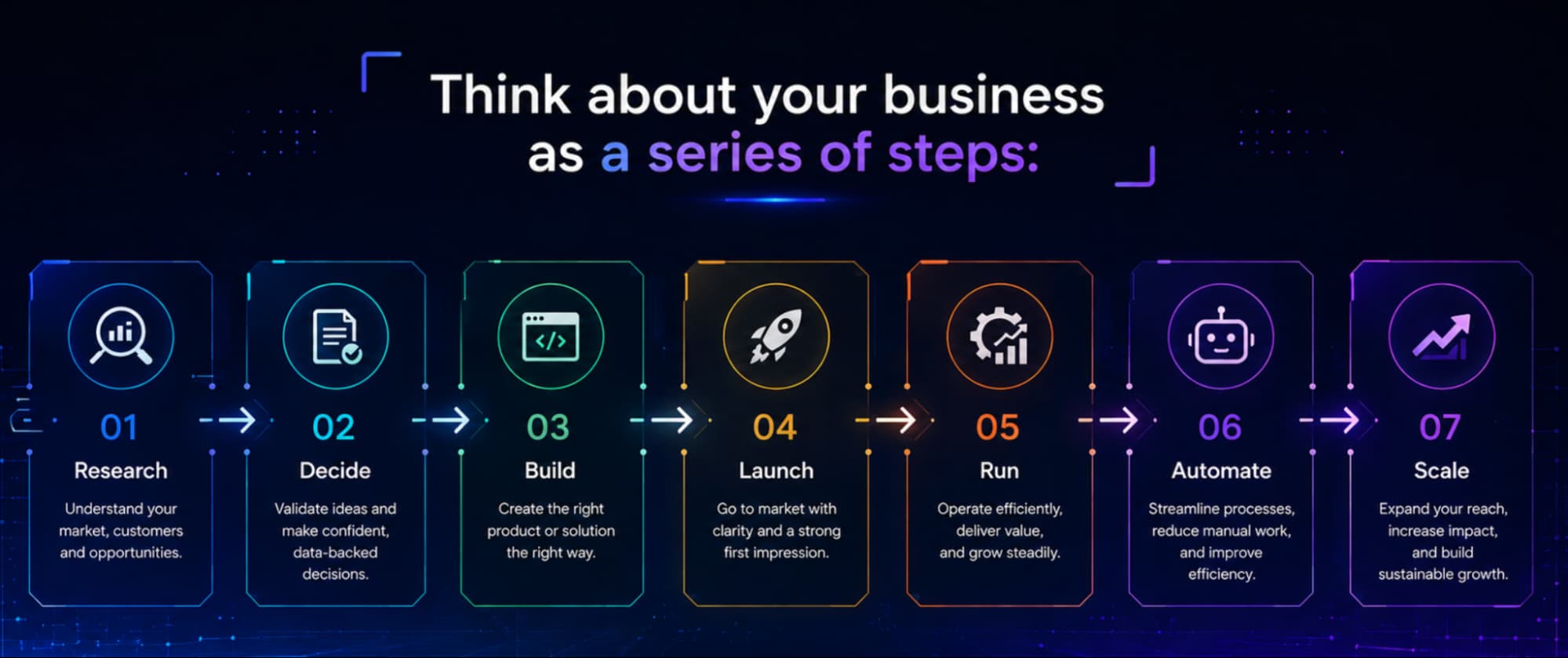
Each step combines one or more functions and needs a unique set of AI tools. Let’s look at each one of them in detail.
Ideation stage: AI tools for creating the solution
These tools are best for: Turning rough concepts into clearer problem statements, customer personas, and first feature lists.
Until now, having a co-founder meant having someone to push back on a bad idea before you spent six months building it. That role hasn’t disappeared. It’s just moved into two AI apps. 👇
ChatGPT or Claude
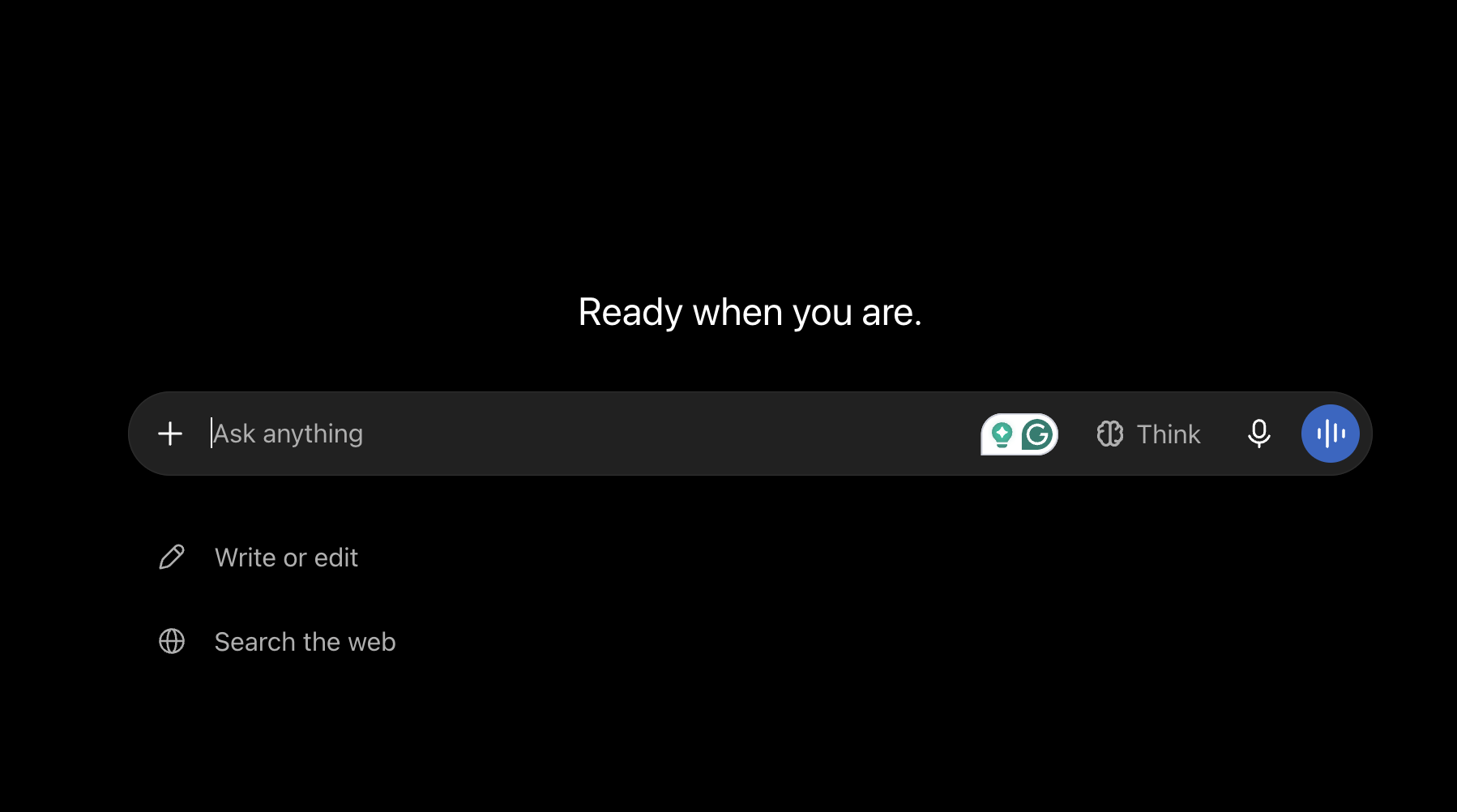
Paste in your idea and ask the AI to pressure-test it. If after all the AI roasting, it still feels like a good idea, it may be worth a shot. If not, you can always keep chatting with the tools until you find the idea that hits the sweet spot.
However, neither tool tells you whether customers will pay for it. That’s the next stage.
Validation stage: AI tools for testing the solution with real people
These tools are best for: Credible competitor analysis, pricing research, and market sizing with citations.
Most non-tech founders skip this stage entirely, going straight from “cool idea” to “let’s build it.”
But this step helps you validate if the idea is even worth your time.
Perplexity
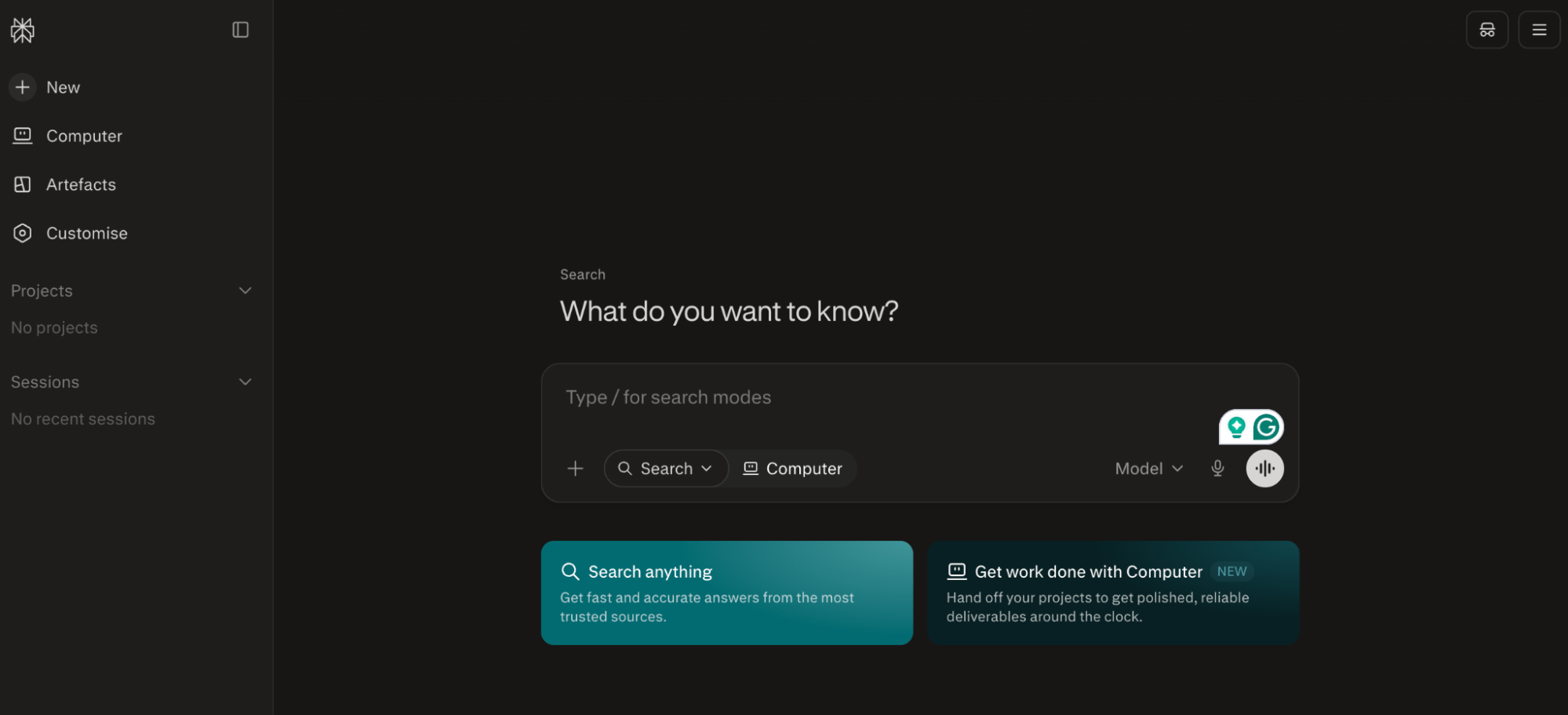
Think of Perplexity as a co-founder who’s read every market update. Ask who else is solving your problem and how they’re pricing it, and it comes back with sourced answers within minutes instead of a hunch.
Now, combine this market data with real human surveys (using a tool like Typeform) to make sure your idea has a market fit.
MVP stage: AI tools for building your product
These tools are best for: Shipping a usable V1 that real users can click through and give feedback on.
Even three years ago, no-code meant using Bubble or Webflow, and you still needed someone with a technical mindset. Now you describe what you want and build real products by vibe coding.
Lovable
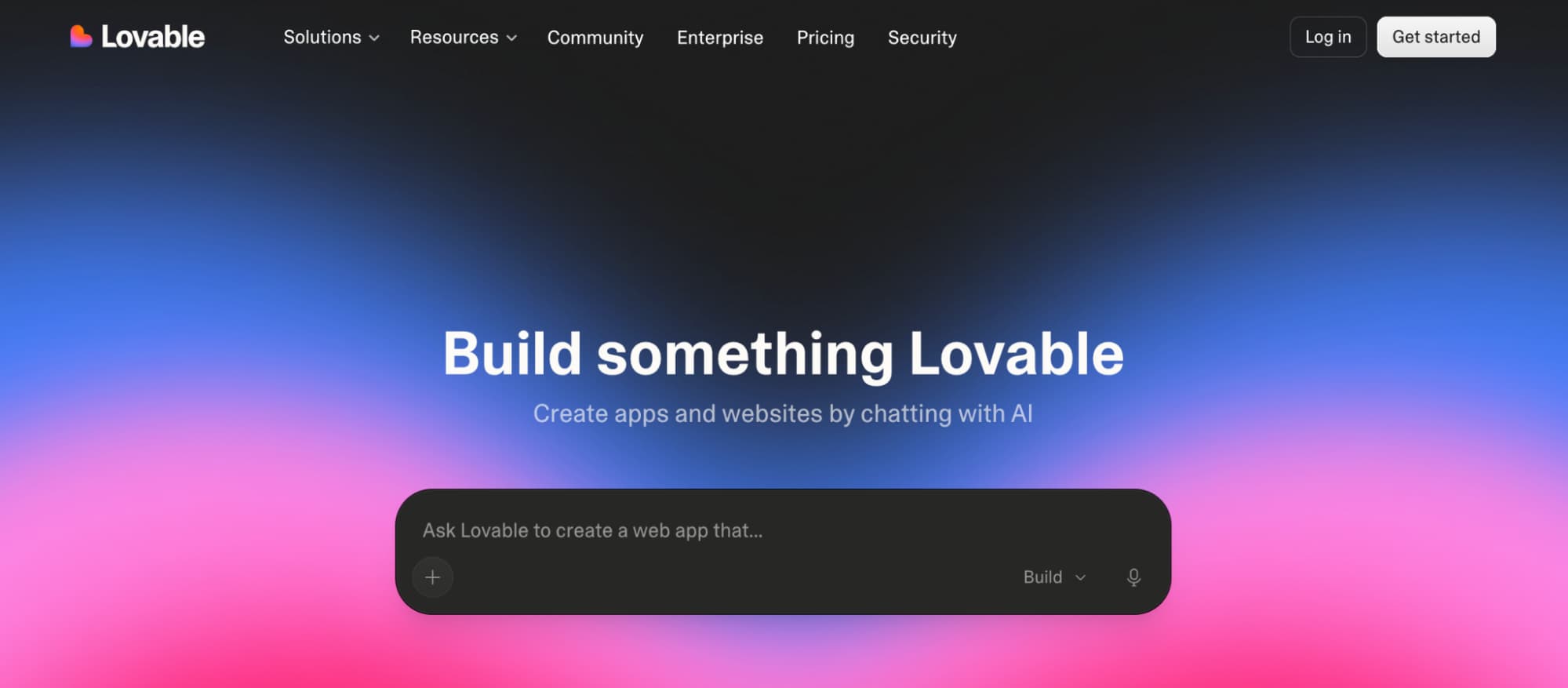
Turn natural-language prompts into working web apps with Lovable, with the front end and backend already connected. Then iterate by chatting about what you want to change.
Bolt.new
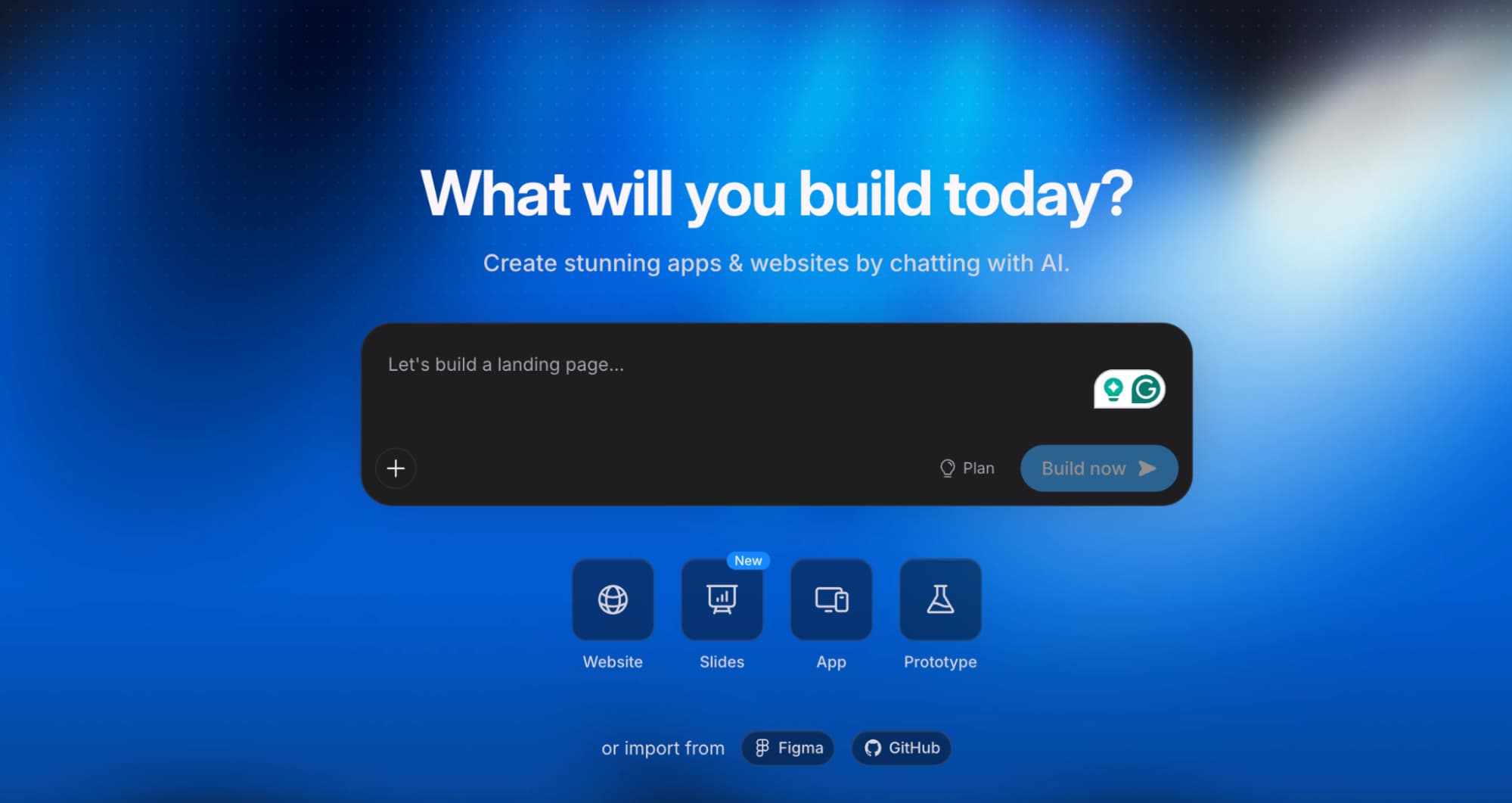
Bolt comes with built-in context management, which makes it great at handling complex tasks. It runs entirely in your browser and generates full applications fast, making it ideal for quick prototypes you can share the same day.
Replit Agent or Claude Code
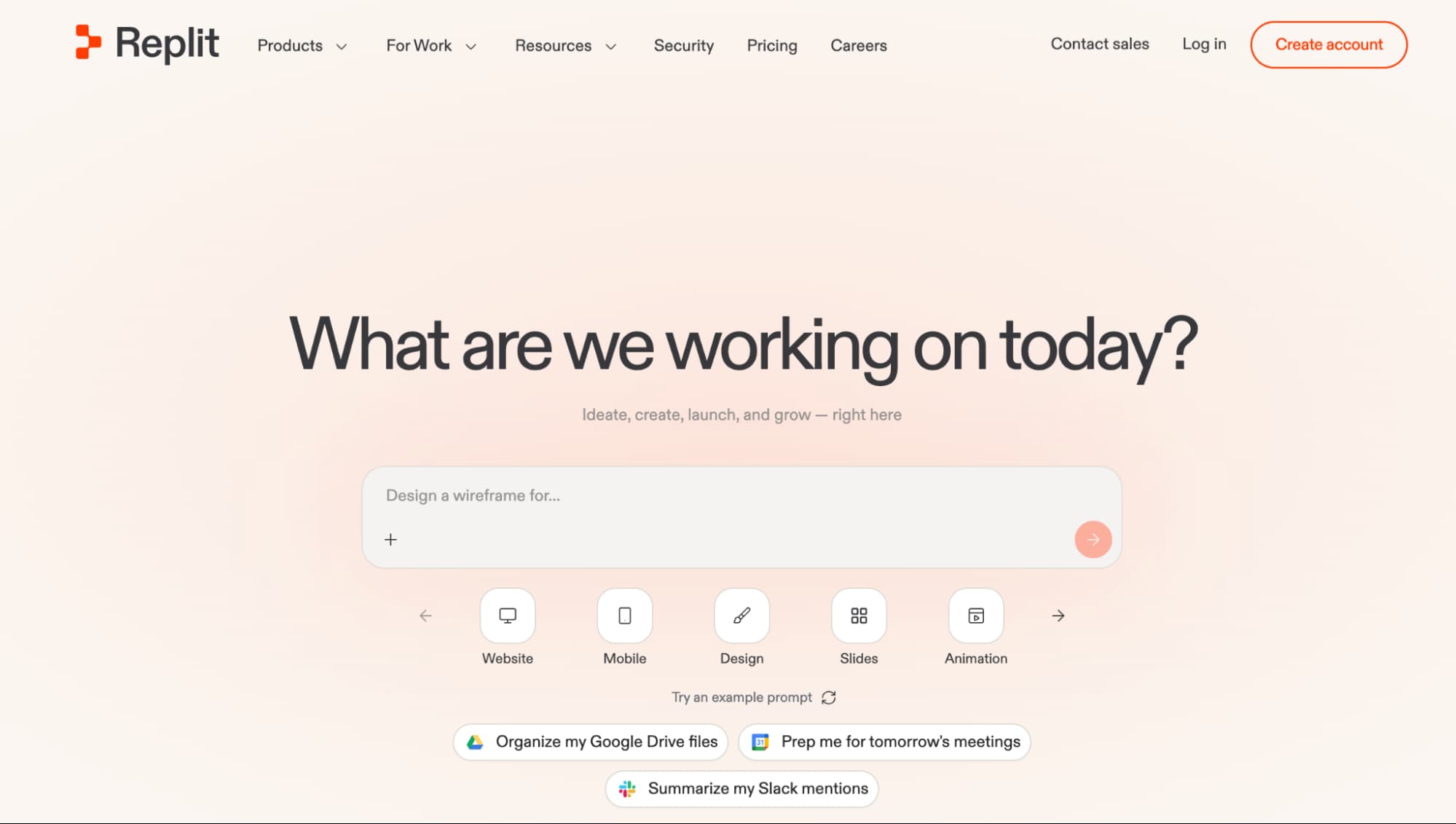
Replit and Claude give you more control over the generated code when you want to understand or tweak it without leaving the cloud environment. You can also go beyond prompting the tools and build AI agents to automate the build process.
Launch stage: AI tools for designing, branding, and marketing your product
These tools are best for: Getting a consistent visual and messaging presence live quickly before product launch.
Your product isn’t finished when the MVP works. That’s just the start of your business.
Now people need to know it exists, understand what it does, and decide whether they want to buy it. 👇
Canva AI
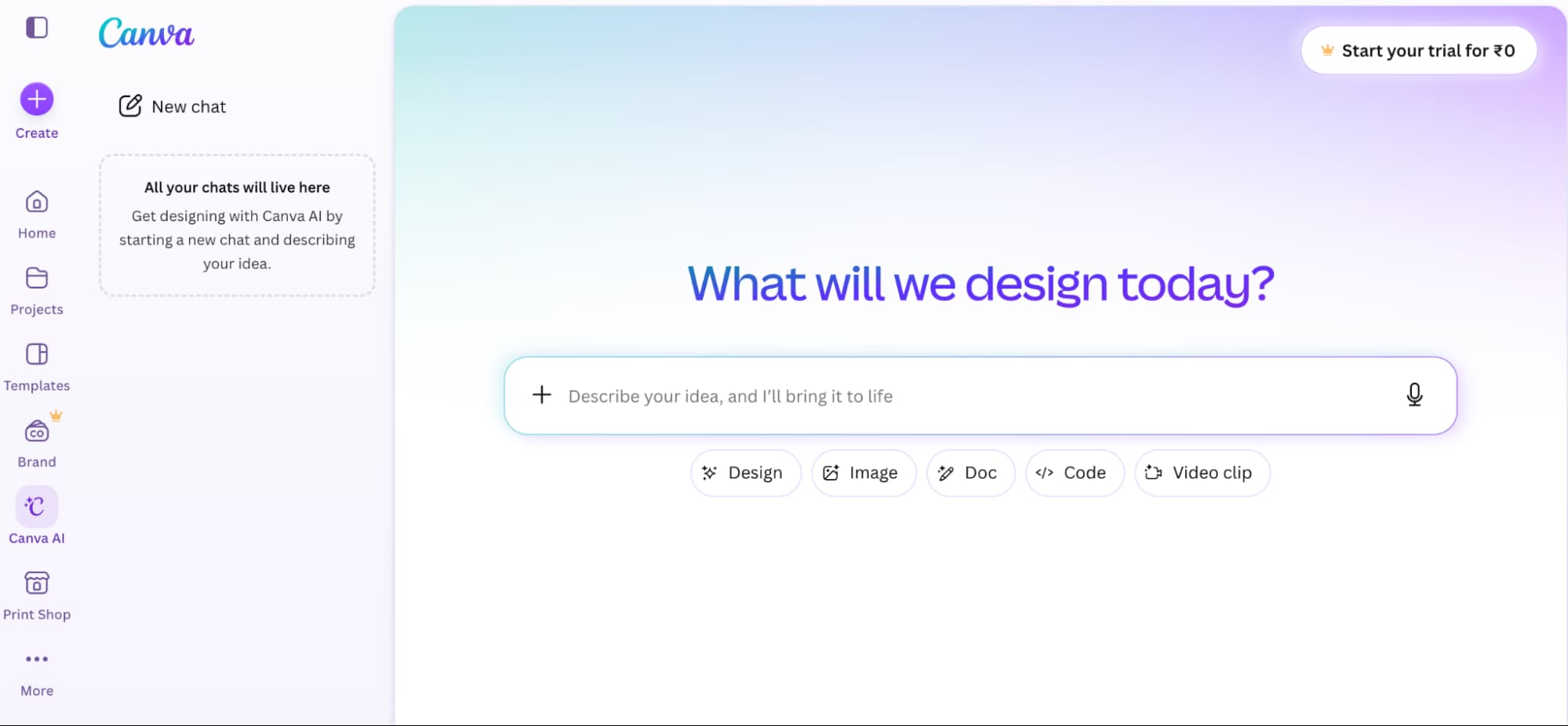
Use Canva AI to create a consistent brand kit (e.g., logo, color palette, social templates) all pulled from one source so your Instagram post and your pitch deck look like they belong to the same company.
Chat with the AI to brainstorm designs and give feedback to create final content. It even has memory that connects real-time research with your brand kit, learning your personal style over time.
Jasper
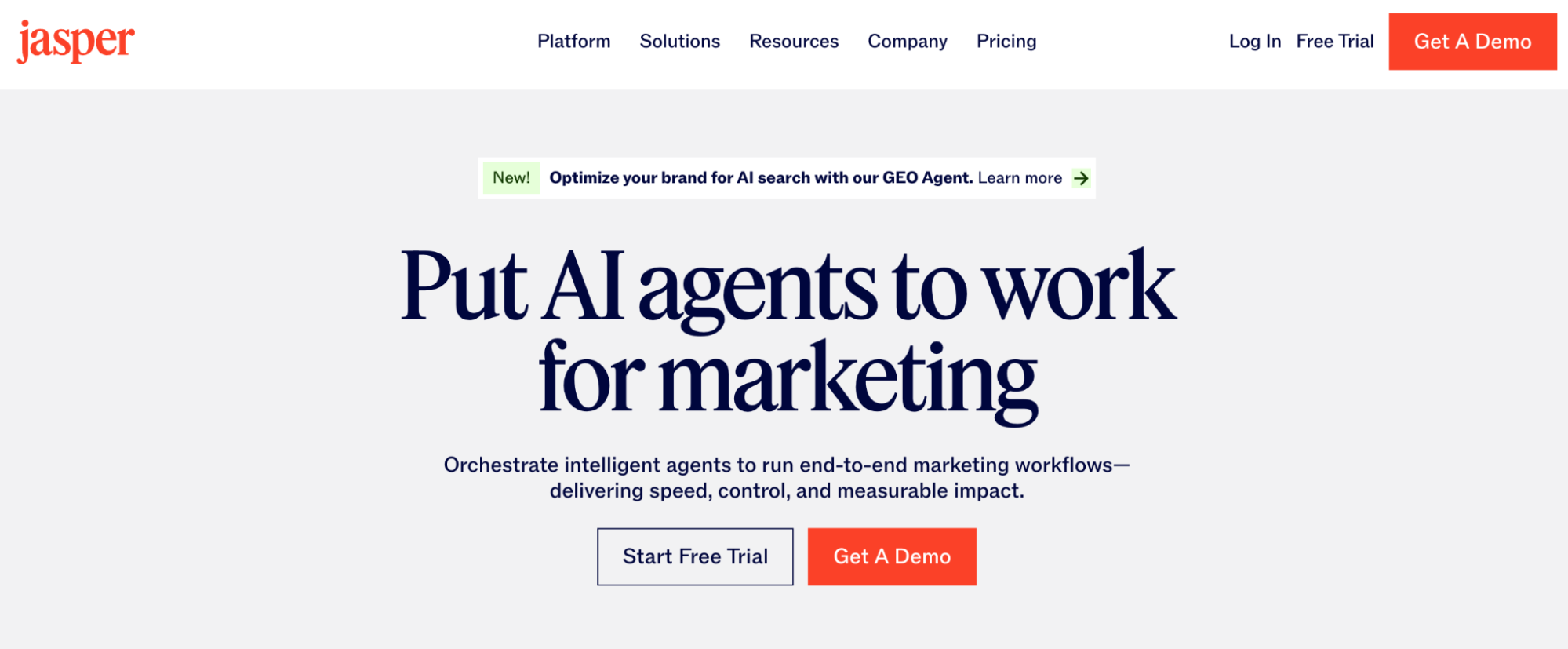
Once you’ve got your branding elements ready using Canva, use Jasper AI to turn one rough launch announcement into content assets across your marketing channels (e.g., landing pages, emails, social captions).
You can also use the tool to build AI agents that manage end-to-end marketing workflows for you. Just make sure to watch them!
Semrush One
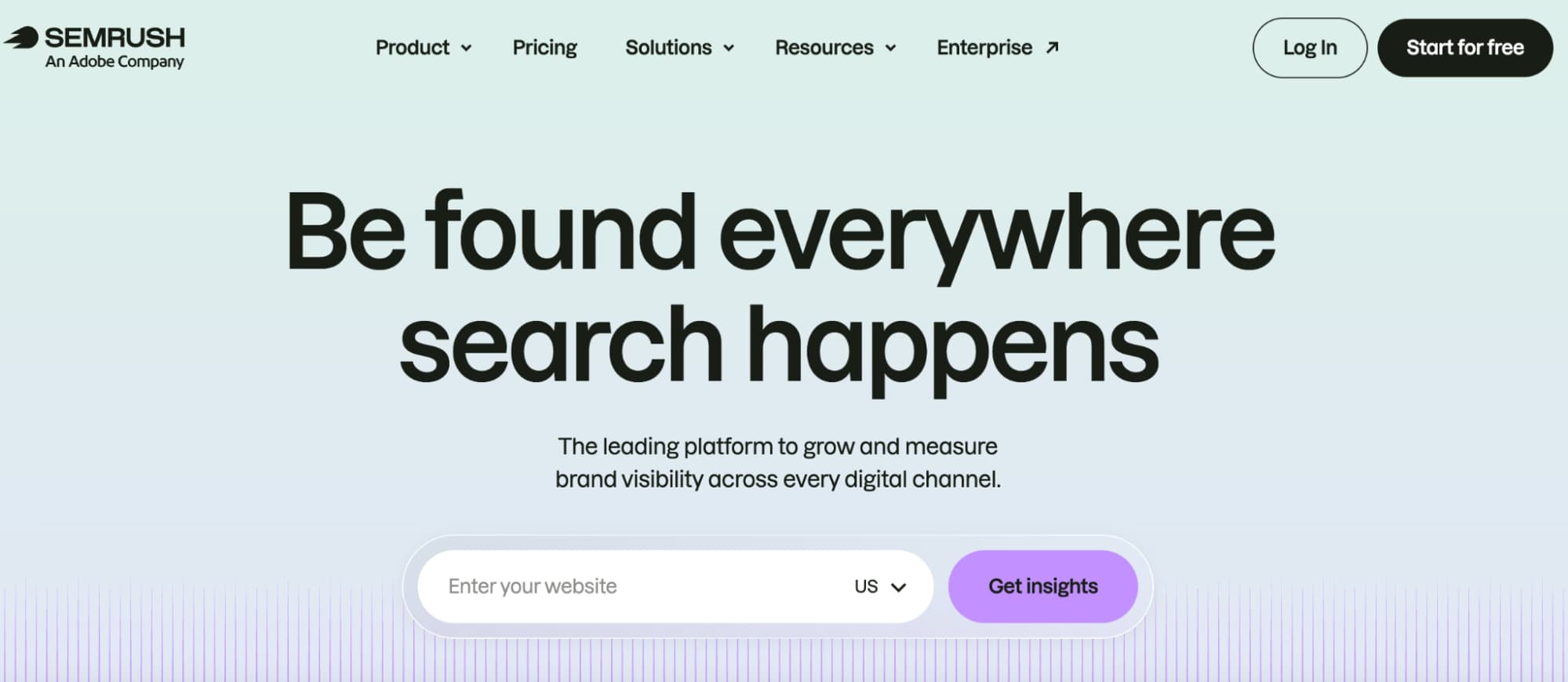
Semrush One includes an AI-powered, all-in-one dashboard that combines traditional Google SEO tracking with AI search monitoring. Use it to plan content strategy and target customers on both search engines and LLMs.
For video, consider tools like ElevenLabs, Opus Clip, and Descript to create talking-head content or product demos with voiceovers and captions.
Operations stage: AI tools for building the workflows & customer support
These tools are best for: Keeping early operations synced while you stay focused on product iterations and customer feedback.
Once you start having customers, you also take on the everyday work of onboarding them, supporting them, and keeping their data synced across all your tools.
The following AI tools automate this part of the customer experience. 👇
Airtable
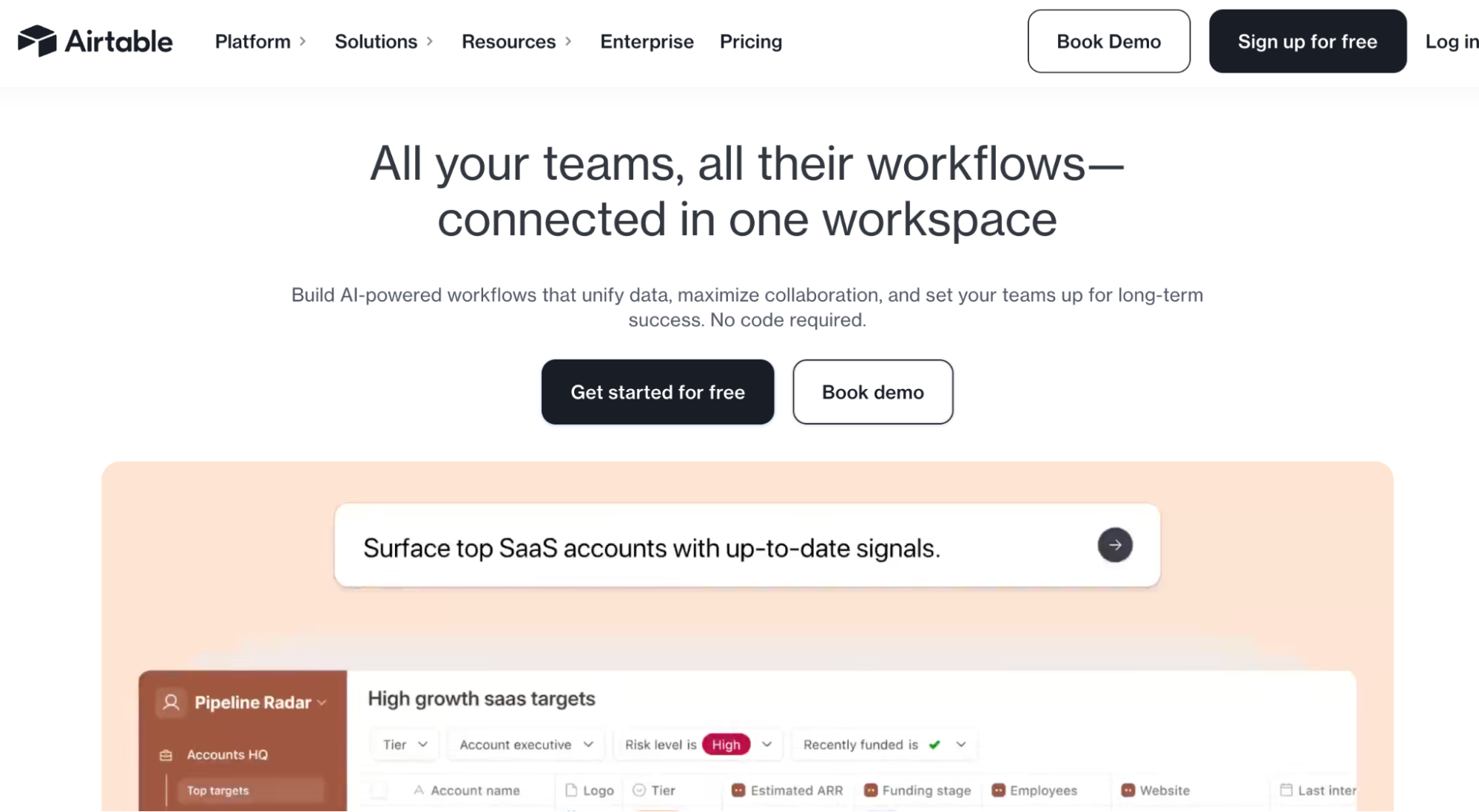
Airtable is a powerful no-code platform that combines the flexibility of a spreadsheet with the structure of a database. Use it to manage customer information, product feedback, content calendars, sales pipelines, and internal workflows from one place.
Make.com
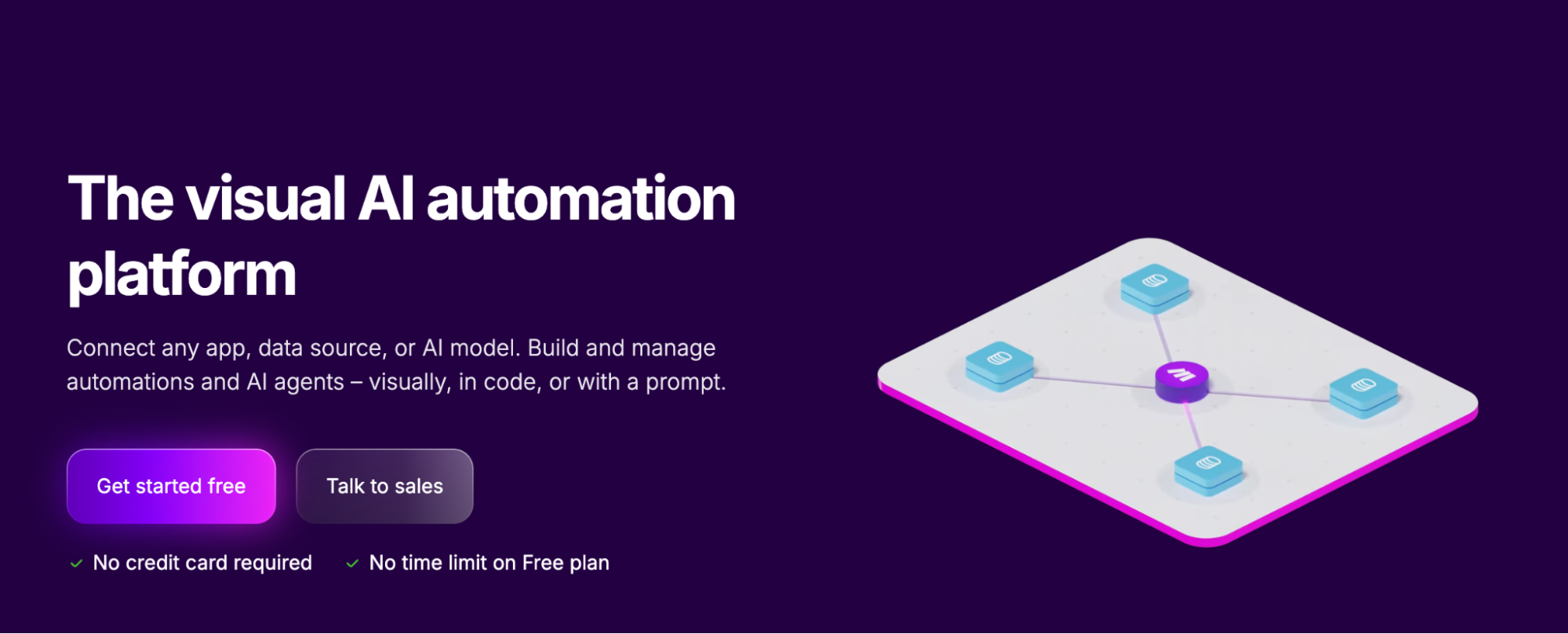
Make lets you connect different apps like Gmail, Slack, and Google Sheets, automating workflows so they can share data and run tasks without manual work.
What makes it especially helpful for non-technical founders is that it works like a visual canvas, showing the whole path your data takes.
You can see each app (module) as a bubble or block, connected by lines that show exactly how data moves from one step to the next. You can also click into any module, inspect the data that arrives there, and follow the full path from trigger to final action.
Intercom Fin
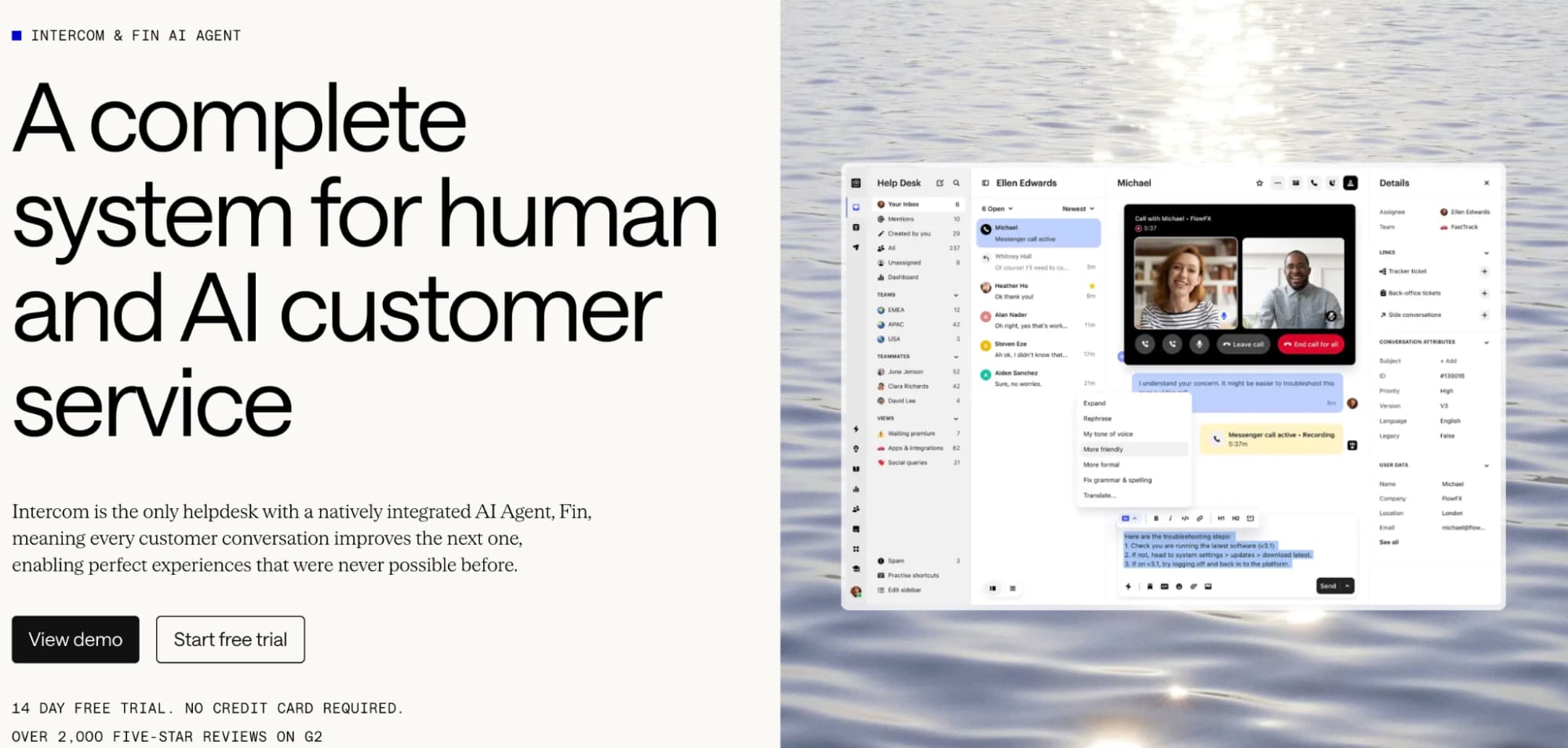
Intercom Fin handles first-line customer questions like pricing, features, and how-tos with its natively integrated AI agent, Fin.
When a request needs human judgment, Fin routes it to you instead of guessing, so your team only steps in when it matters.
Zendesk AI
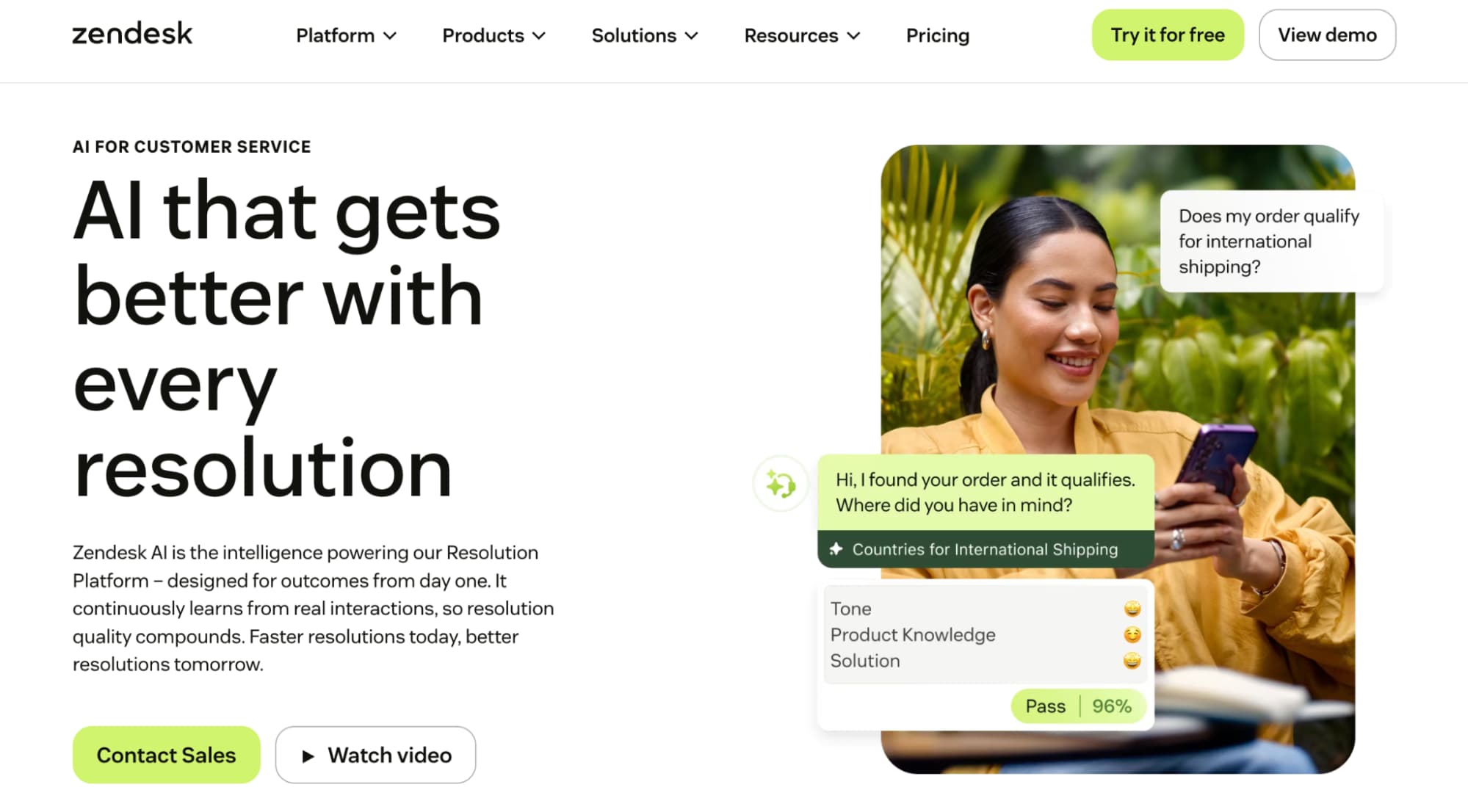
Zendesk AI offers many of the same AI-powered customer support capabilities as Intercom Fin. But if you’re already running support with Zendesk’s ticketing system, this becomes a natural add-on to your existing workflow.
Revenue stage: AI tools for building the financial & compliance layer
These tools are best for: Keeping books clean enough for decisions and tax prep without full-time finance staff early on.
Money moving through the business means someone, or something, needs to track it accurately. AI can reduce much of that manual work, but it still needs oversight. 👇
QuickBooks AI
QuickBooks Online now incorporates conversational AI and specialized digital agents, including Intuit Intelligence, to work directly with your company’s live financial data. This helps automate transaction categorization and flag cash-flow anomalies before they become a real problem.
It can also draft client communications and generate financial reports and forecasts that you can review before presenting them to investors.
One thing worth remembering: accounting AI tools can’t replace an accountant’s judgment.
In fact, bringing an accountant into your AI stack is a tool decision too, and it comes with a rule most people never think to check.
In California, a CPA must complete 80 hours of training credit every two years. And at least half of those hours must be technical, including computer and information technology training.
Learning how to work around a business software doesn’t count as technical, though. That falls into the other, capped half of their hours, which leaves a real gap between an accountant who knows what your tool does and one who understands how it works underneath.
Check the California CPA CPE requirements before you assume deep training is a favor you’re asking for.
Growth stage: AI tools for scaling your product beyond MVP
This tool is best for: Growing startups that want to experiment with different models without rebuilding their entire application whenever their AI requirements change.
Once your own product starts calling multiple LLM providers, a different problem appears: routing requests, tracking usage, and switching models without rebuilding integrations. That’s where an interoperability layer can help.
Respan.ai
Respan’s AI Gateway for LLM Routing sits between your application and the LLM providers powering it, routing each request to the best-fit model based on cost, performance, capability, or availability.
This means one less thing to manage by hand as your product grows.
The tool also gives you a clearer view of your AI usage, so you can stay in control of your setup even as your infrastructure grows more complex.
If you’d like a quick visual reference for the core tools in this guide and when to use them, screenshot this graphic:
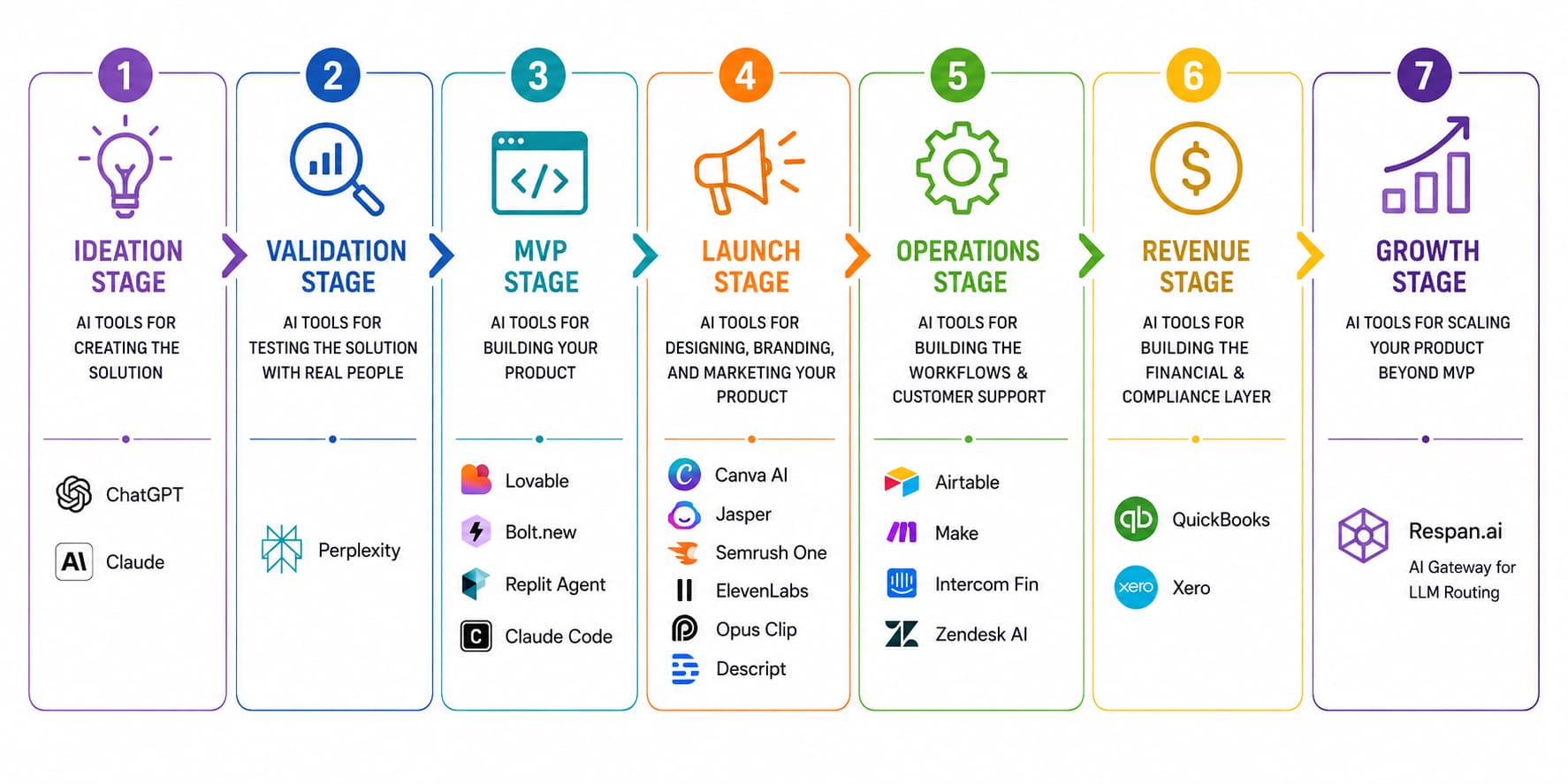
(Or head back up to our comparison table.)
What parts of your business still need you
It’s tempting to think that building a business with AI simply means using enough tools.
It doesn’t.
You’re still the one responsible for building the AI tech stack, setting up the workflow, and making sure everything works end-to-end. And to do that well, you need to understand roughly how your tools work under the hood. (Yes, even with no-code or low-code tools.)
That’s why learning still matters.
Without a technical foundation, it’s easy to choose tools by reputation instead of fit. Building enough technical literacy to understand the trade-offs can help you make better decisions about the tools you use.
Courses at Portage Learning are online and self-directed, so a founder can set the pace while earning college credit.
Next steps: build products using AI tools this weekend
Don’t try to recreate this entire stack right now. Instead, pick the stage you’re currently in, then choose the tools from the list above.
My advice:
- If you’re still exploring: Start with ChatGPT and Perplexity.
- If you’re validating: Research using Perplexity and talk to real customers via surveys.
- If you’re building: Use Lovable or Replit to build your MVP.
- If you’re launching: Use Canva, Jasper, and a CRM to design, brand, and market your product.
- If you’re operating: Organize your data with Airtable and automate proven workflows with Make.com.
- If you’re growing: Add Respan AI Gateway for LLM Routing.
Your goal isn’t to have the most sophisticated AI tech stack on day one. It’s to have the right tool for the problem you’re solving right now and start building.
P.S. If you want feedback as you build, it can help to compare notes with other founders. Looking for a community where you can pitch ideas and talk with others about your tool? Find the community you belong to on Unita. 💙
Frequently asked questions
1. What are the best AI tools for non-technical founders in 2026?
Start with the tools that solve the problem you’re facing right now. For example, you can start with Perplexity + Claude Code + Canva AI for research, building the MVP, and branding.
As the business grows, add other AI tools like Semrush for content strategy planning, Airtable for operations planning, Make for workflow automation, and Zendesk AI for customer support.
2. What is vibe coding, and does it really work?
Vibe coding is the term used for building software by describing features in plain language while AI writes the code behind it.
AI tools like Claude Code, Lovable, Bolt.new, and Replit make this a lot easier for non-technical founders in 2026. It works well for prototypes and early products, though complex or production-grade systems still benefit from human review.
3. What does a basic AI tech stack typically cost for a solo founder?
You can start surprisingly lean.
Many tools in this guide offer free plans, so you can get through the ideation and validation stages without spending much.
Once you start building and launching, expect to spend anywhere from $50 to a few hundred dollars per month, depending on the tools you choose and how heavily you use them.
Author Bio

Ioana Wilkinson
Ioana Wilkinson is a business strategist and content writer for B2B tech and SaaS brands. She also helps aspiring entrepreneurs and writers build remote businesses. Born in Transylvania and raised in Texas, Ioana has been living the digital nomad life since 2016. When she’s not writing, you can catch her snorkeling, exploring, or enjoying a café con leche in Barcelona!