
Why Community Tools Matter More Than You Think
Digital communities don’t fail because people stop caring. They fail because the systems holding that care together quietly break down.
In the early days, organizing feels deceptively simple. A shared mission, a few energetic contributors, maybe a Slack workspace or Discord server holding everything together. But as soon as momentum builds (more members, more conversations, more initiatives), the cracks start to show. Messages get lost. The same questions get answered over and over. A handful of organizers end up carrying far more cognitive load than they should. Burnout follows, and progress slows.
That’s where tools matter, not as a replacement for leadership or trust but as infrastructure. The right tools reduce friction, protect organizer energy, and make participation easier for everyone involved. The wrong tools or too many of them create noise and complexity that actively undermine community health.
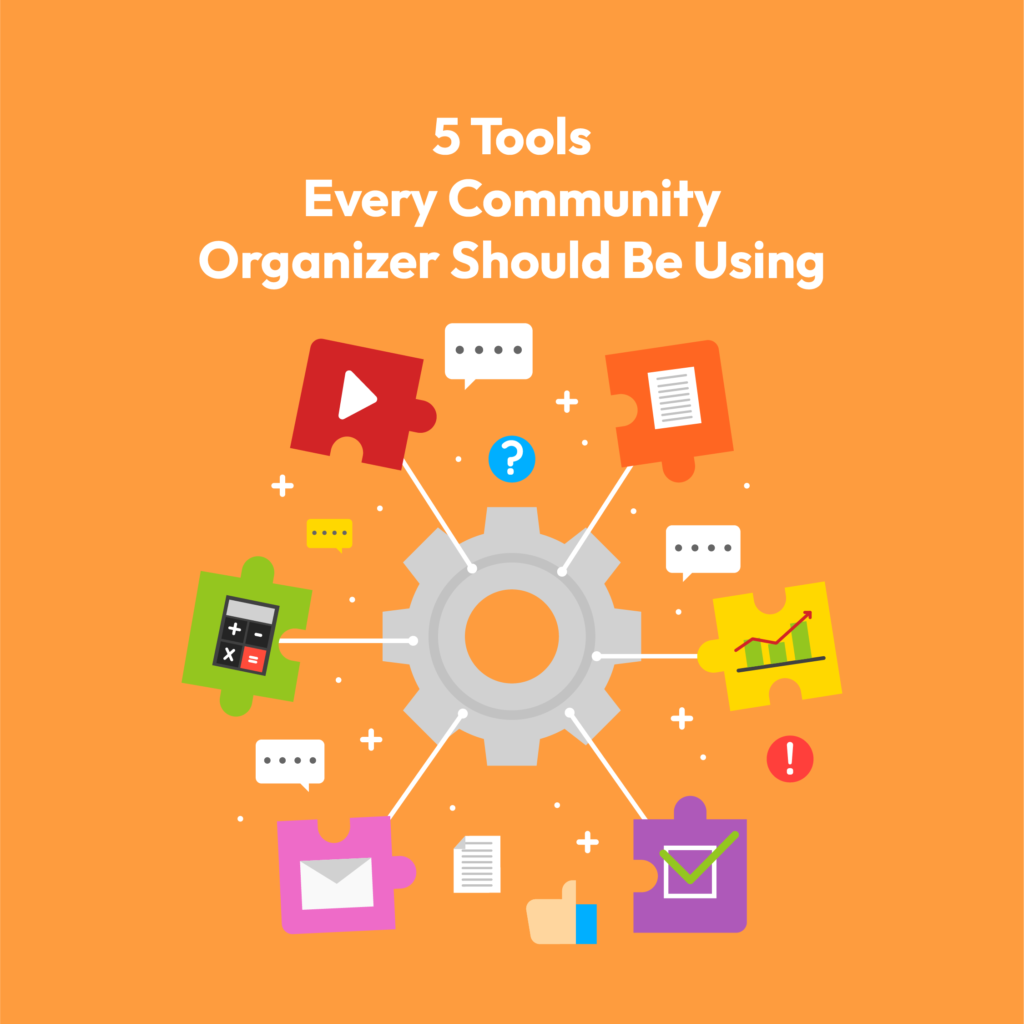
This article isn’t a roundup of “best tools” or deep-dive product reviews. Instead, it focuses on five categories of tools that experienced digital community organizers consistently rely on once things start to scale. For each, we’ll look at why the tool type matters in practice, and then offer a sober, objective shortlist of commonly used options. The goal isn’t to stack your tech overnight but to understand what supports sustainable organizing when enthusiasm alone is no longer enough.
1. A Centralized Communication Hub
If community momentum dies quietly, it usually happens in the inbox.
Most digital communities don’t suffer from a lack of communication. They suffer from too much of it, scattered across too many places. DMs, emails, social comments, side group chats. Important updates get buried, new members don’t know where to look, and core organizers end up acting as human routers for information. That kind of cognitive tax is one of the fastest paths to burnout.
A centralized communication hub creates a shared “home base” where conversations live in the open, context is preserved, and participation feels accessible rather than overwhelming. It’s not about choosing the fanciest platform. It’s about giving people a clear answer to the question: “Where does this conversation belong?”
How experienced organizers use it in practice
Seasoned community builders rarely rely on a single, flat channel structure. Instead, they segment intentionally:
- General channels for announcements and shared context
- Working channels for volunteers, committees, or project teams
- Leadership or admin spaces for coordination and decision-making
- Partner or external channels to reduce backchannel chaos
This structure does two things. It protects focus for people doing the work, and it lowers the barrier for newcomers who need orientation, not noise.
Tips for avoiding digital overwhelm
The tool itself won’t solve overload. Norms will. Communities that scale communication well tend to:
- Set expectations around response times (not everything is urgent)
- Encourage posting in channels, not DMs, by default
- Limit @everyone usage to moments that truly matter
- Periodically archive or prune inactive channels
Without these guardrails, even the best platform becomes another source of friction.
Common platform options
Slack: Strong for professional or hybrid communities, integrations, and structured collaboration
Discord: Flexible, highly customizable, and well-suited for large or interest-driven communities
WhatsApp Communities: Effective for mobile-first, regional, or time-sensitive organizing
The “right” choice depends less on features and more on where your people already are, and how much structure your community actually needs at its current stage.
2. A Reliable CRM
Communities don’t scale through broadcasts. They scale through relationships, and relationships are impossible to manage if everything lives in someone’s head or a scattered set of spreadsheets.
Early on, it’s easy to rely on memory: who showed up last time, who volunteered to help, who donated, who needs a follow-up. But as participation grows, that mental system collapses. People fall through the cracks. Follow-ups don’t happen. The same engaged members get tapped repeatedly while others never get invited in.
A CRM (Customer, or more accurately, Community, Relationship Management system) gives organizers a way to treat people like individuals, not entries on a mailing list.
What a good CRM actually helps you do
At its best, a CRM isn’t about data collection. It’s about continuity. It helps organizers:
- Track interactions across time, not just single events
- See who’s consistently showing up versus who’s drifting away
- Log volunteer roles, skills, and availability
- Connect event attendance, donations, and outreach into one picture
This becomes especially important when leadership turns over or responsibilities shift. A CRM ensures the community’s institutional memory doesn’t disappear with one burned-out organizer.
The most common mistake to avoid
The biggest CRM failure isn’t choosing the wrong tool. It’s over-engineering too early.
Many communities build complex systems long before they need them, adding custom fields, automations, and tagging structures that no one consistently maintains. The result is a powerful database full of outdated or incomplete information.
A simpler rule works better: start with the minimum data you’ll actually use in follow-ups and decisions. If it doesn’t inform action, it probably doesn’t belong in the system yet.
Common platform options
NationBuilder: Purpose-built for civic and advocacy communities with strong organizing workflows
Airtable: Flexible and lightweight, ideal for early-stage or custom use cases
EveryAction: Robust for larger organizations managing donors, volunteers, and campaigns at scale
The right CRM is the one your team will actually keep up to date. Consistency matters far more than sophistication.
3. Survey & Feedback Platforms
Healthy communities don’t just talk. They listen, and they do it in ways that go beyond the loudest voices in the room.
In most digital spaces, feedback skews toward the most active members. That’s not because they represent the whole community, but because they’re the most comfortable speaking up in public channels. Without structured ways to gather input, organizers risk making decisions based on partial truth, and over time, that erodes trust.
Survey and feedback tools give communities a way to practice listening at scale.
Why feedback loops matter more than ever
As communities grow, informal check-ins stop working. Organizers need repeatable systems to:
- Understand what’s resonating (and what isn’t)
- Identify friction points before they turn into exits
- Give quieter members a safe way to contribute perspective
- Signal that leadership values input, not just participation
When feedback becomes routine rather than reactive, communities feel less performative and more collaborative.
The power of anonymity
One of the most underrated features of feedback tools is anonymity. Anonymous surveys often surface truths that never appear in Slack threads or Discord debates. Confusion about direction, feelings of exclusion, or quiet burnout among core contributors.
Used well, anonymized feedback isn’t destabilizing. It’s preventative.
Common platform options
Google Forms: Simple, fast, and accessible for lightweight feedback
Typeform: More conversational and engaging with stronger UX
Poll Everywhere: Useful for live polling and quick pulse checks
The goal isn’t to survey constantly, but to create predictable moments where listening is built into the community’s rhythm.
4. Visual Collaboration Spaces
Digital organizing is rarely linear. Ideas emerge half-formed, priorities shift, and alignment often lives in someone’s head until it doesn’t. Without a shared place to think together, communities default to long threads, misinterpretation, and quiet misalignment.
Visual collaboration tools act as a shared thinking surface, a way to make abstract plans visible and collective.
Why visuals unlock alignment
Text-heavy spaces privilege people who process and communicate quickly in writing. Visual tools level the field. They allow teams to:
- Map ideas spatially instead of sequentially
- Show relationships between initiatives, stakeholders, or goals
- Co-create in real time without needing perfect language
- Align across cultures, time zones, and communication styles
For distributed or multi-generational communities, this often becomes the difference between participation and passive observation.
What organizers actually use them for
In practice, these tools are less about polish and more about clarity. Common use cases include:
- Mapping power structures, allies, and influence networks
- Planning campaigns or content arcs visually
- Documenting decisions and evolving strategies
- Creating living knowledge hubs instead of static docs
One organizing team I’ve worked with replaced weekly alignment calls with a shared visual board that tracked priorities and dependencies. The conversations didn’t disappear. They got sharper, because everyone could see the same picture.
Common platform options
Miro: Flexible whiteboarding for real-time collaboration
Notion: Combines documentation, planning, and lightweight databases
Figma Boards: Strong for visual thinkers and structured frameworks
The value isn’t in the canvas. It’s in making thinking visible, shared, and less fragile.
5. Social Media Scheduling & Analytics
Most community organizers don’t burn out because the work is hard. They burn out because it’s unrelenting, especially when visibility depends on always being “on.”
Social channels are often a community’s front door, but managing them in real time can quietly consume hours of attention every day. Without structure, organizers end up context-switching constantly, reacting instead of planning, and sacrificing deeper community work for surface-level engagement.
Scheduling and analytics tools turn social media from a daily obligation into a deliberate system.
Why batching matters more than reach
The biggest win isn’t growth. It’s reclaiming focus. Scheduling tools allow organizers to:
- Batch-create content when energy is high
- Maintain consistency without daily posting pressure
- Coordinate messaging across platforms
- Reduce reliance on last-minute, reactive updates
This shift alone often makes community work feel more sustainable.
Using analytics without chasing vanity metrics
Used poorly, analytics push teams toward hollow engagement. Used well, they reveal what narratives actually resonate.
Instead of obsessing over likes or follower counts, experienced organizers look for:
- Which posts drive meaningful discussion or sign-ups
- What themes consistently earn saves or shares
- When their audience is most receptive
Over time, this data helps refine messaging in ways that feel responsive, not performative.
Common platform options
Buffer: Simple, reliable scheduling for small to mid-sized teams
Later: Visual-first planning, especially useful for content-heavy communities
Sprout Social: Deeper analytics and collaboration features for larger operations
Social media should extend the community, not exhaust the people running it.
Tools Don’t Organize People
Tools can make community organizing more sustainable, but they don’t create commitment on their own. They amplify what’s already there, for better or worse.
Well-chosen tools reduce friction, protect organizer energy, and make it easier for people to participate meaningfully. Poorly chosen ones add noise, fragment attention, and quietly push contributors away. The difference isn’t technological sophistication. It’s intentionality.
The most effective digital communities adopt tools slowly. They start with clear problems, add infrastructure where it genuinely helps, and revisit their stack as the community evolves. Simplicity is often a feature, not a limitation.
At the end of the day, trust, clarity, and empathy are still the real organizing forces. Good tools support those values. They don’t replace them. But they make it far more possible to sustain them over time.